



You design the movement
Every stage starts as a routing problem. The interesting part is deciding where a directional tile should go so a future chain resolves cleanly.
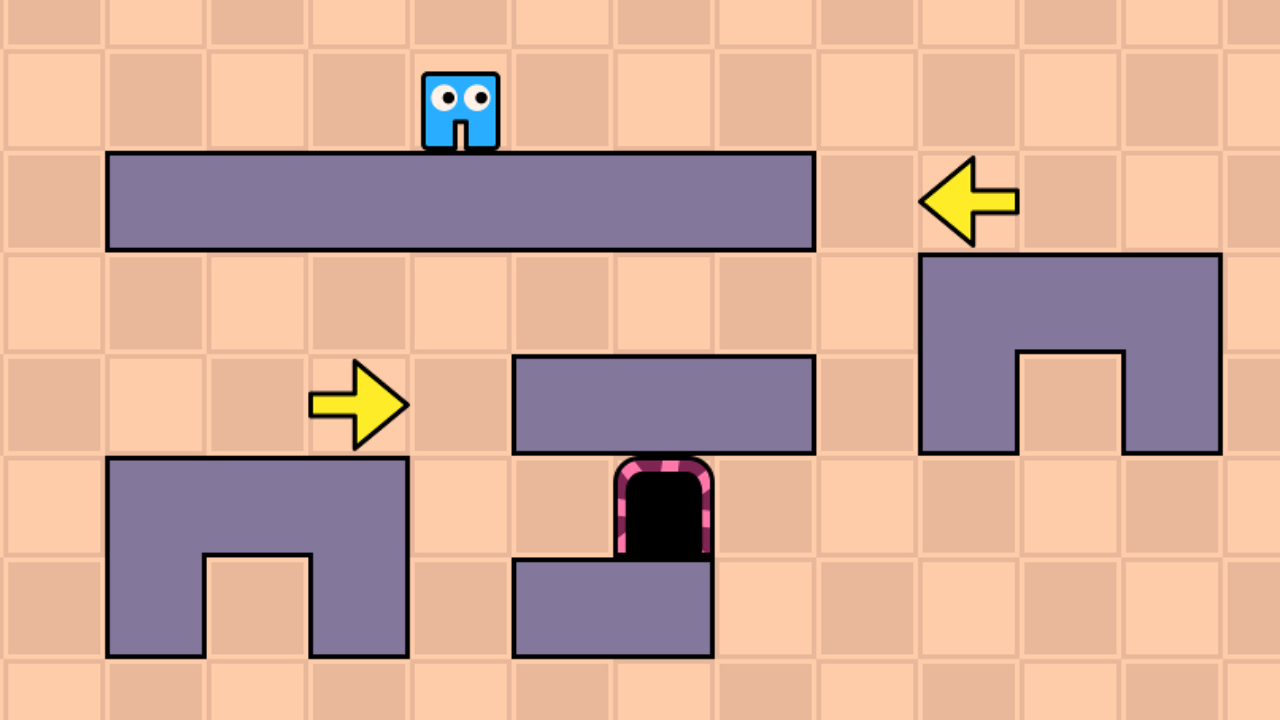
Browser Play
Open the puzzle stage in one click. The game is quietly prepared in the background so the handoff feels immediate, not clunky.
A compact library of browser puzzles that keep the same low-friction mood without turning the page into a noisy directory.
Arrow Pathway flips the usual platformer rhythm on its head. Instead of steering a character directly, you design the route and then watch the plan play out. That shift turns movement into a logic problem, and it gives the game a satisfying loop of place, test, adjust, and try again.
Every stage starts as a routing problem. The interesting part is deciding where a directional tile should go so a future chain resolves cleanly.
One quick playtest tells you a lot. Because the loop from idea to result is so short, the game stays inviting even when a level becomes tricky.
The pixel art and character animation are welcoming, but the best levels still ask for disciplined planning and efficient route building.
Arrow Pathway is easiest to understand once you stop thinking like a platformer player and start thinking like a route designer. The panels below keep the deeper advice available without flooding the page upfront.
Survey first, then place with intent.
A quick board scan usually reveals the real shape of the problem. Knowing where the level ends and what can interrupt the path keeps early placements purposeful.
When a stage feels messy, planning the final steps first often makes the earlier path much easier to design.
Play and pause quickly when you need more information. A failed route often shows which tile is doing too much or too little.
These are the route-building instincts worth carrying forward.
Overusing movement tools too early usually bloats the route. Cleaner solutions come from letting the map do as much work as possible first.
Later levels get simpler once you stop seeing every branch as equally possible. Lock in the things you cannot change, then plan around them.
The most elegant solutions often use a single arrow to set up a turn, timing window, or return path instead of placing separate tiles for each need.
If a level asks for collectibles, try to make the detour useful rather than ornamental. Good coin routes often double as setup for the exit path.
Keep the extra context available without putting it all in the first glance.
Journal
Classic Puzzle Games Worth Playing Today
Journal
The One Arrow Escape Mistake New Players Actually Make
Journal
Mastering Arrow Escape: Tips & Strategies for Beginners
It is a puzzle platformer browser game focused on route planning, tile placement, and logic rather than live character control.
Yes. You can play it online for free in the browser without installing anything.
Yes. It works on modern mobile browsers with touch support and also feels comfortable on desktop.
Progress typically saves locally in the browser, so clearing local site data may reset it depending on the build.
Arrow Pathway has enough mechanical texture to justify a second layer of notes. This section keeps walkthroughs, mode notes, and extra background available without crowding the first read.
A few details explain why the game has more route depth than it first appears.
Arrows, jump tiles, blockers, and toggles all change the path in different ways. As levels grow, the game becomes about making those tools cooperate instead of simply placing more of them.
The optional hint system helps when a stage stops making sense, but it still leaves enough space for players to understand why a route works.
Collectible requirements in later stages turn a clean route into a richer optimization problem. Sometimes the best path is the one that handles both the coin and the exit with the same setup.
Once a stage is solved, the fun often shifts to doing it with fewer tiles, better timing, or a tidier route than the first successful attempt.
These walkthrough images help newer players understand the shape of the first route-building puzzles without front-loading the entire page with screenshots.
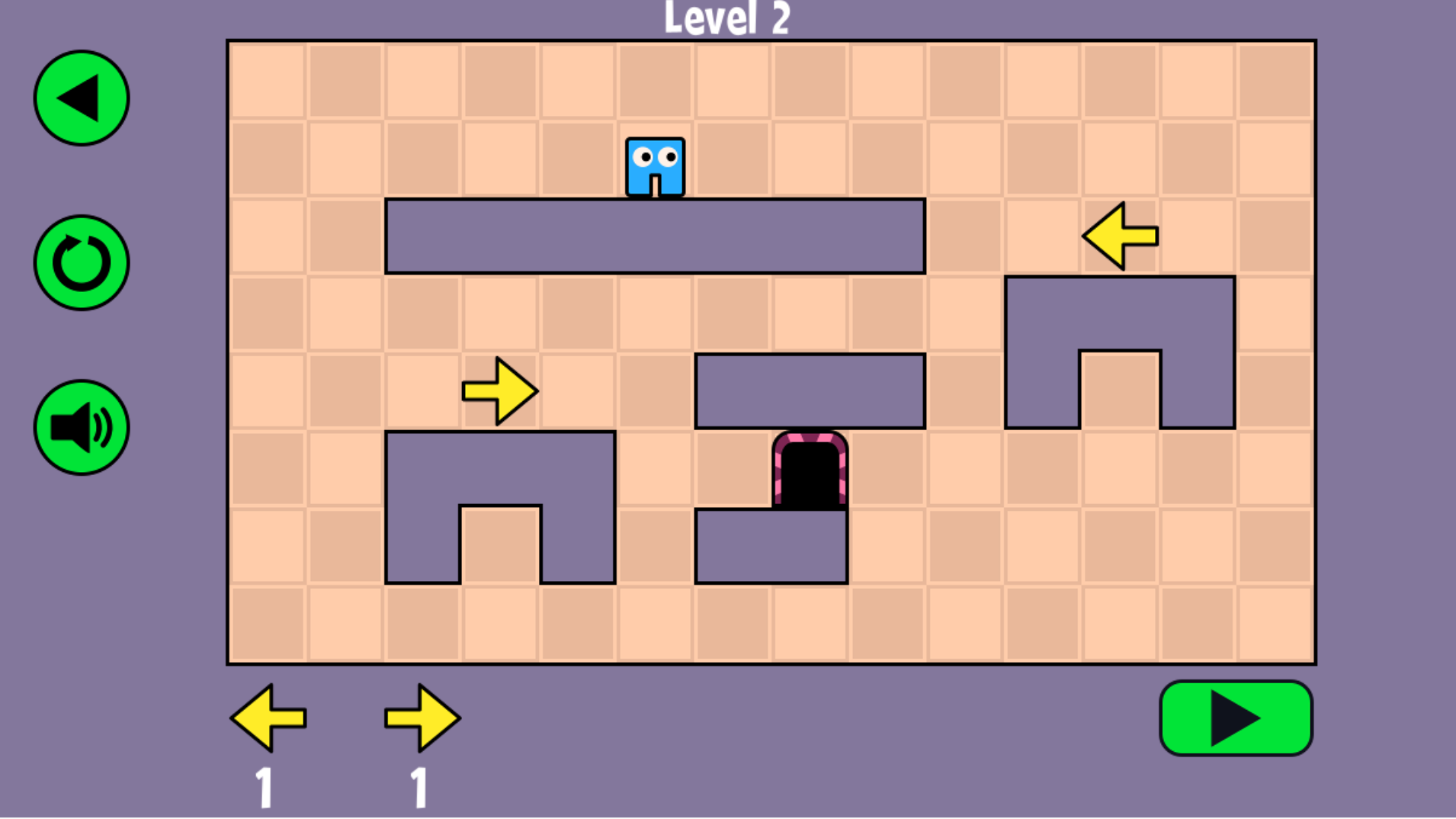
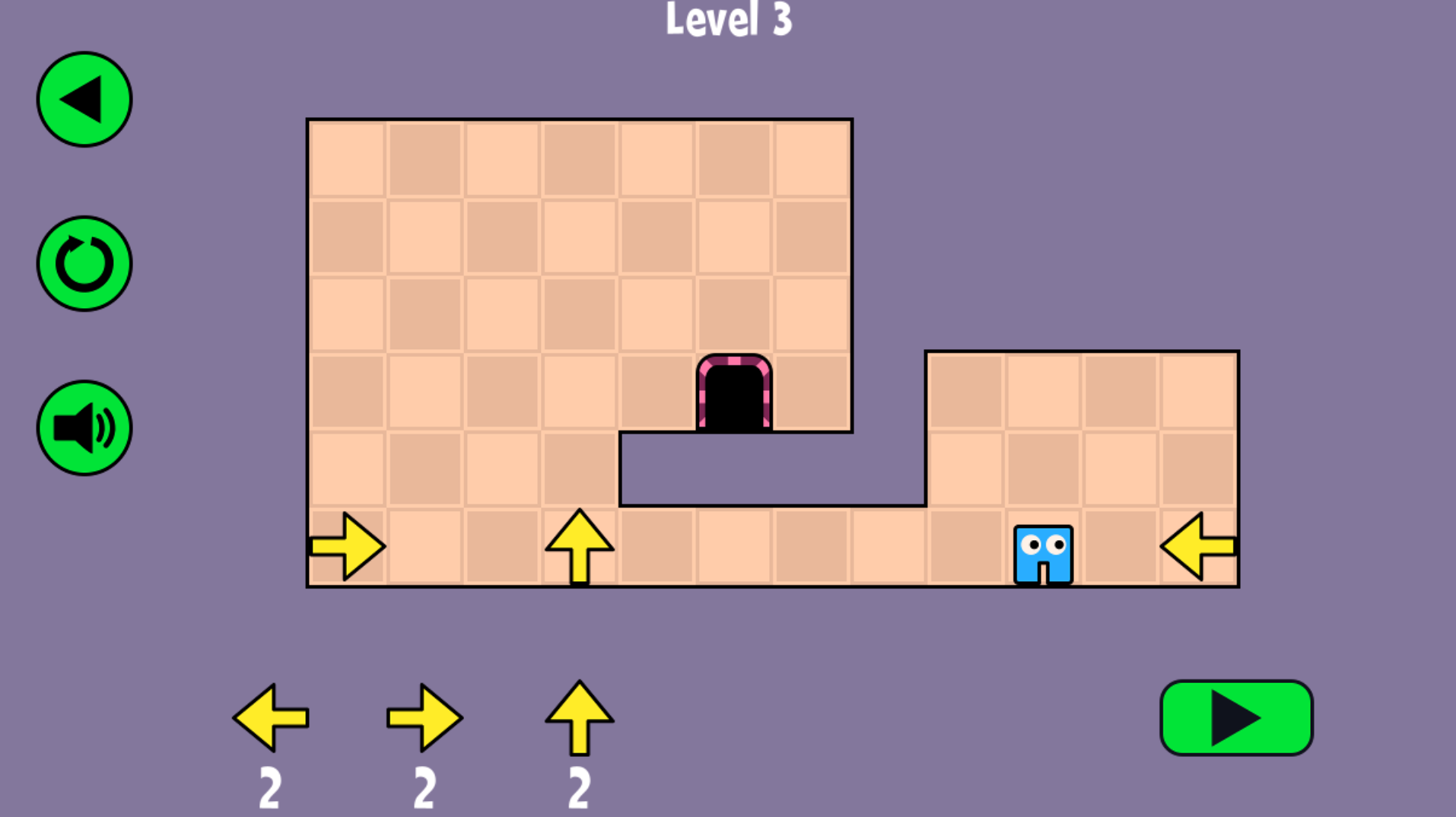
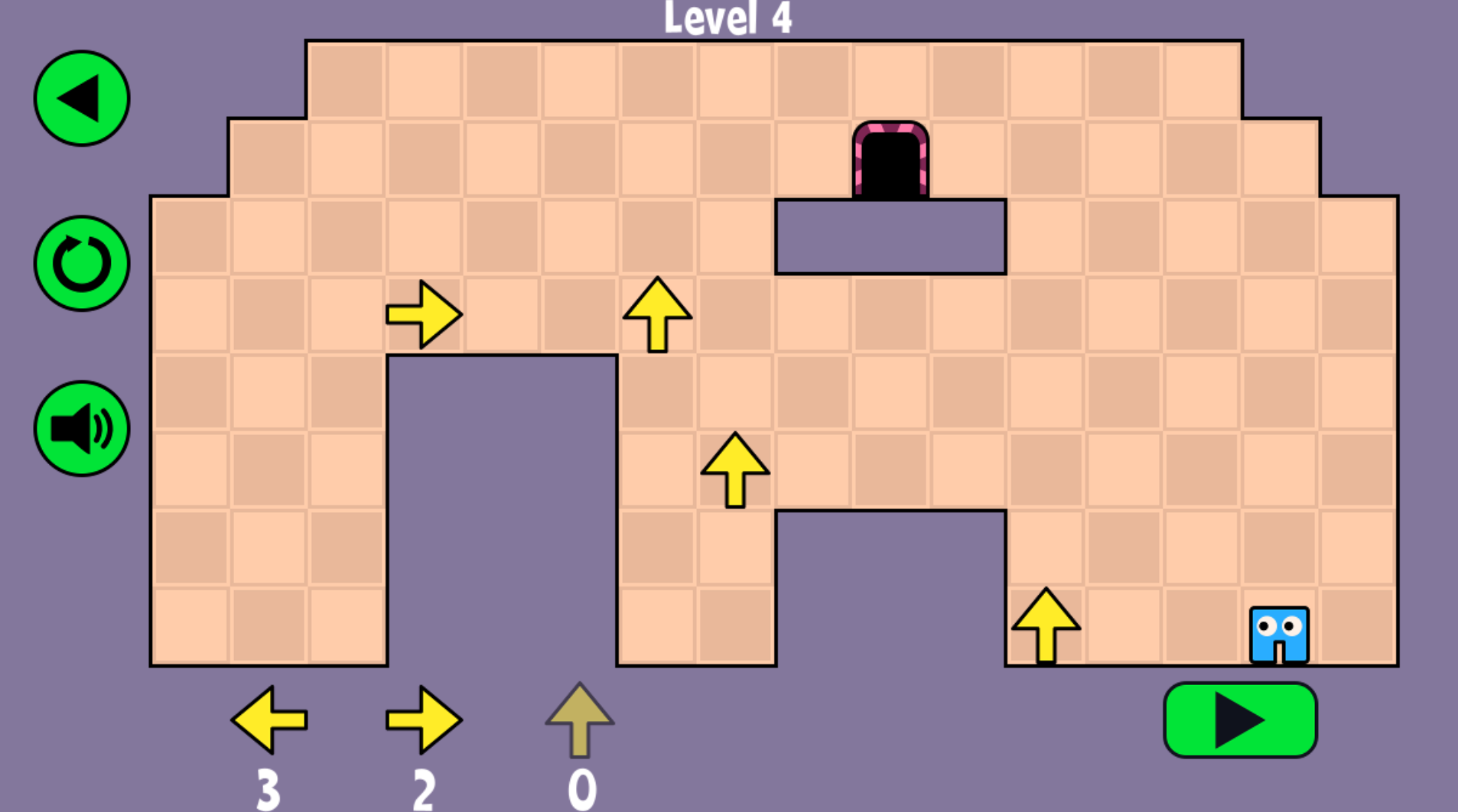
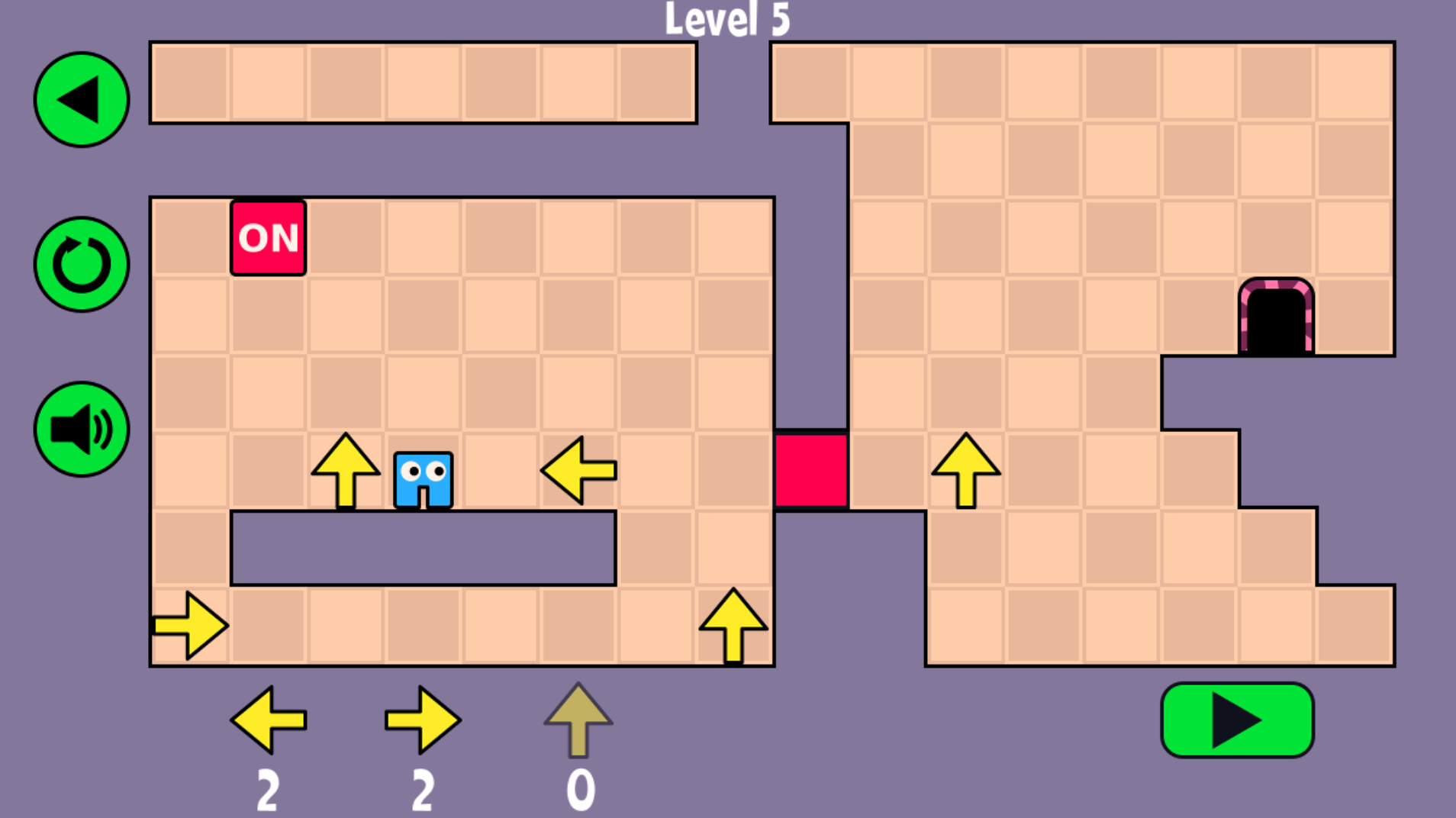
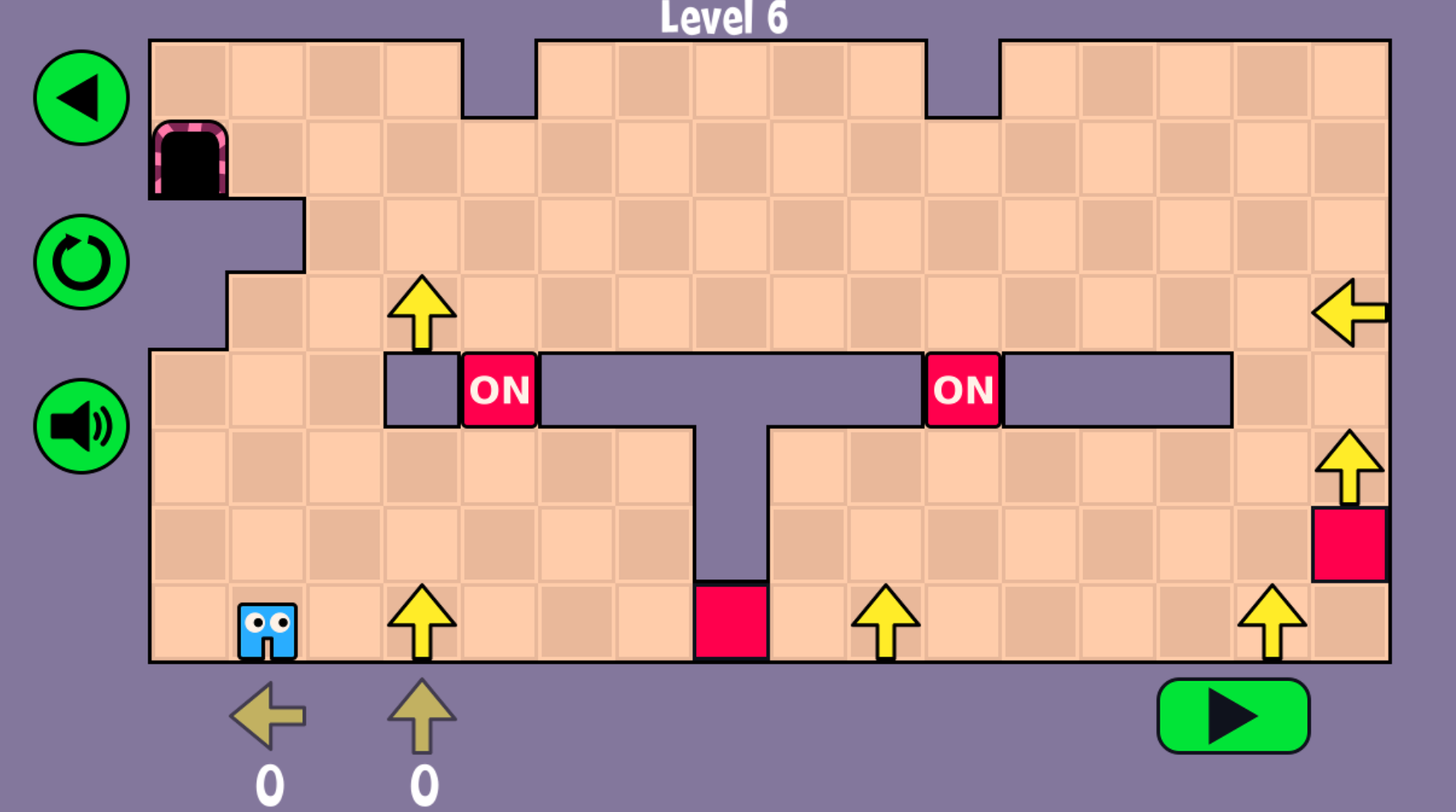
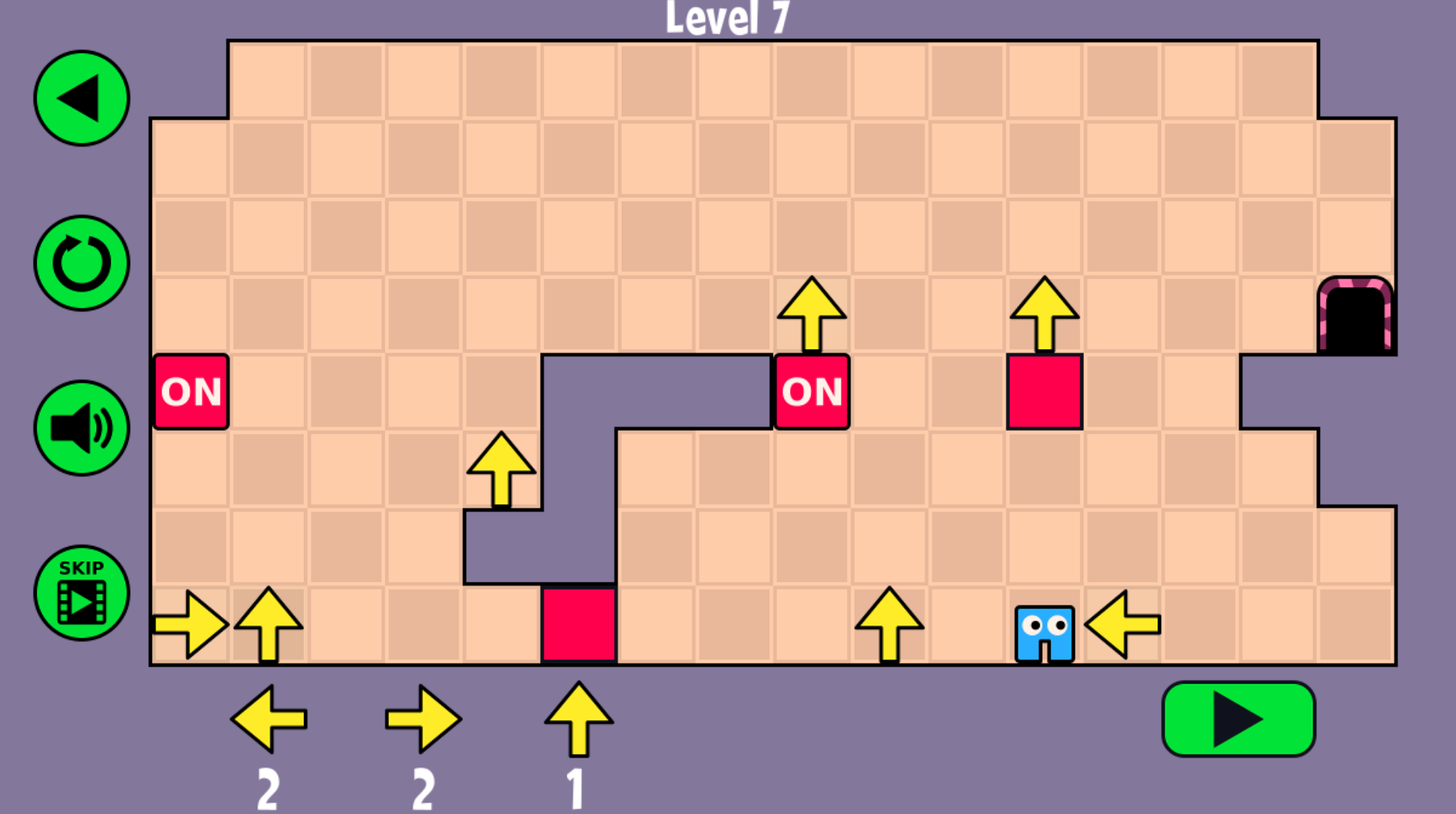
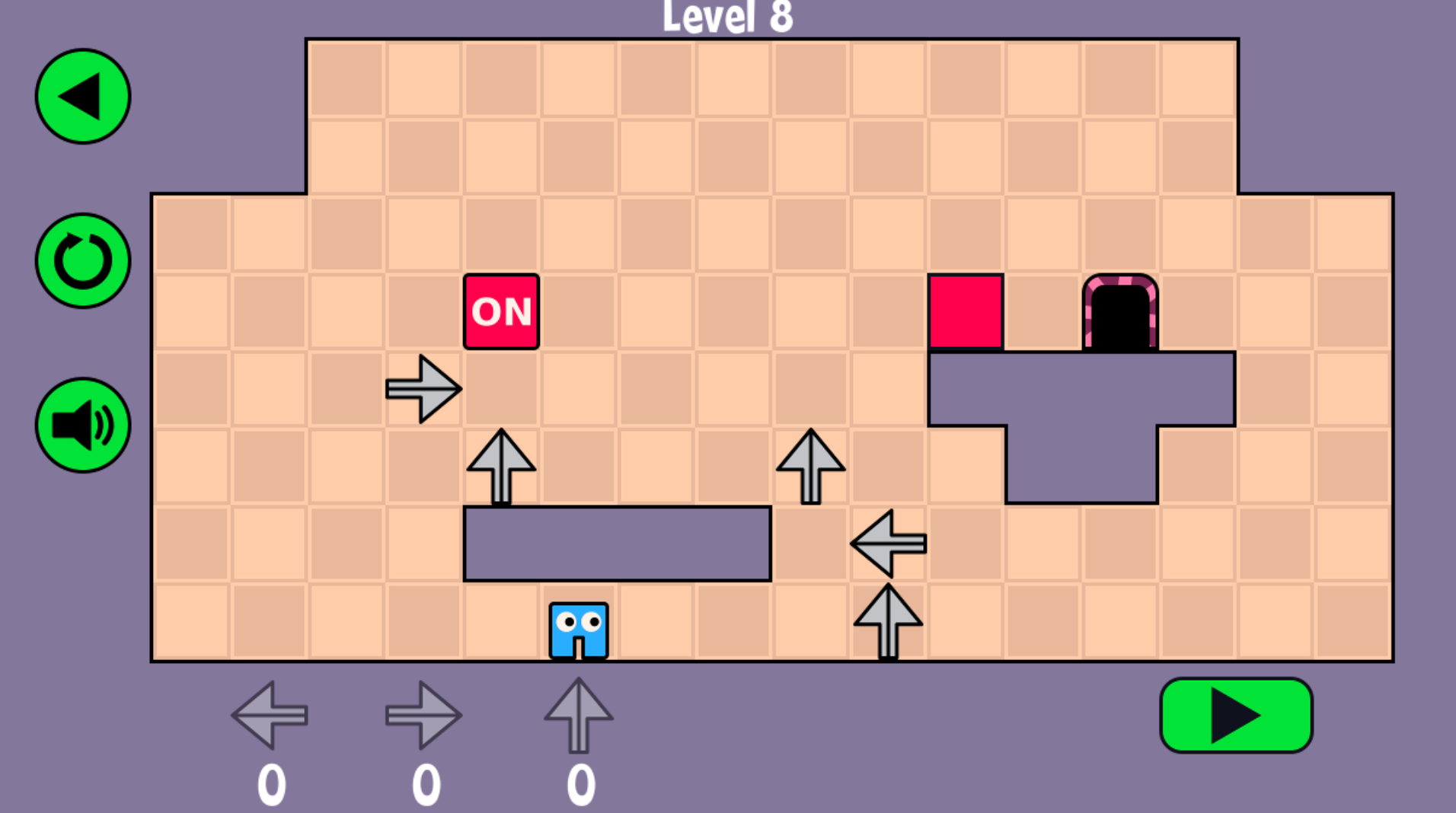
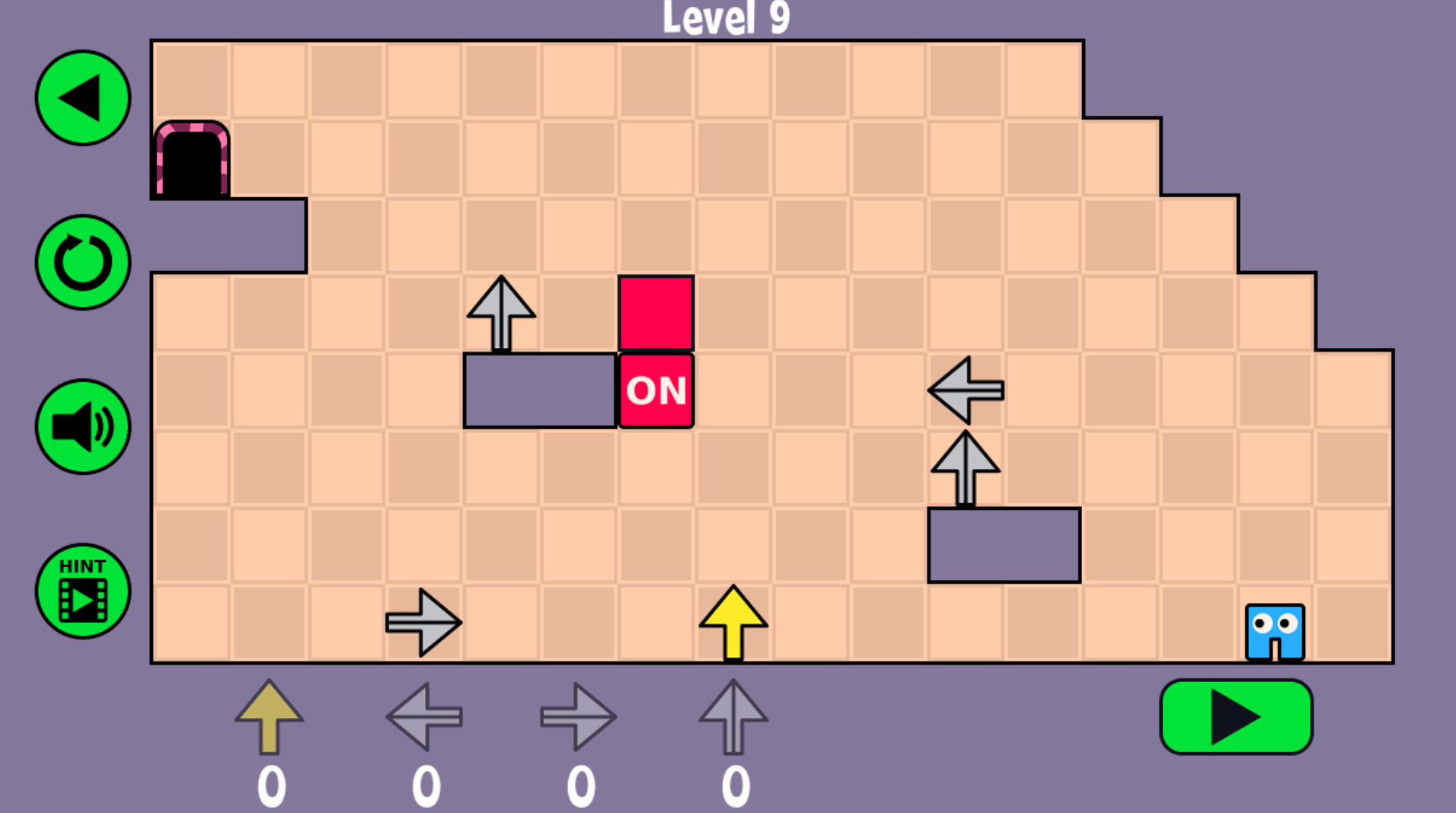
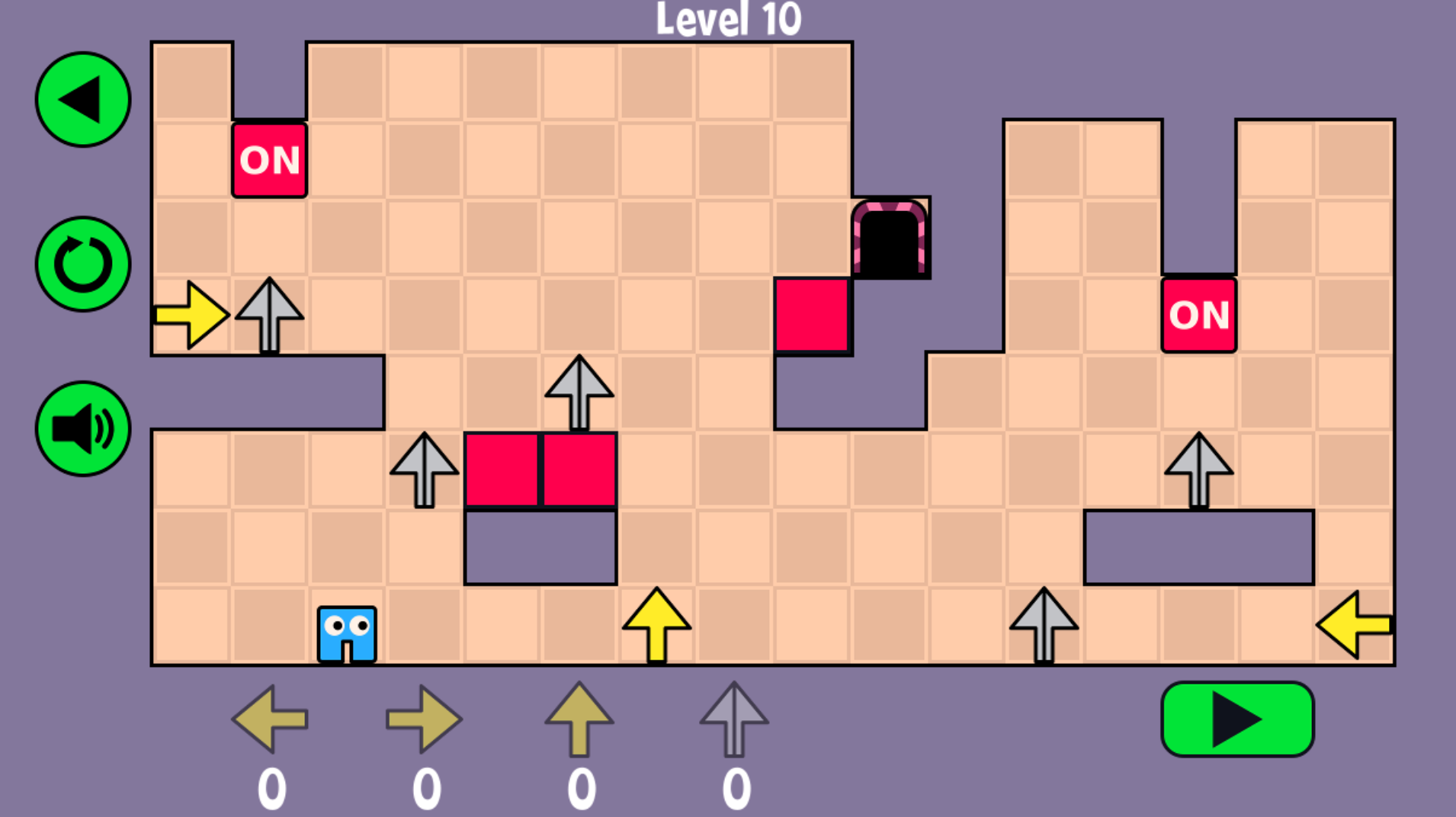
A few broad expectations help frame what the game does best.
Arrow Pathway works across modern desktop and mobile browsers, so it is easy to return for a single stage or a longer puzzle session.
The game reflects the compact, logic-first design style associated with indie browser puzzlers: short levels, clear mechanics, and fast retries instead of grind.
Plan, test, refine, and finally watch the route run cleanly. That rhythm is what makes even failed attempts feel productive.
The best routes feel fair. Even when the difficulty rises, you can usually tell what the level is asking once the board is read in the right order.
If you prefer seeing route logic in motion, this gameplay video gives the clearest quick picture.
Gameplay footage is especially useful in Arrow Pathway because it shows how tile placement, timing, and route shape come together once the plan starts moving.
A strong solution usually looks simple in motion. That is often a sign that the planning work happened before the character moved.
If you check a walkthrough, focus on why the route works rather than copying every click. That keeps the later levels more satisfying to solve on your own.